Leaked GitLab Issue Email Address Can Let Attackers Push Code and Run CI Jobs
A leaked GitLab incoming email address can let attackers impersonate users, push code to permitted branches and trigger CI/CD pipelines without passing normal 2FA or IP restrictions.
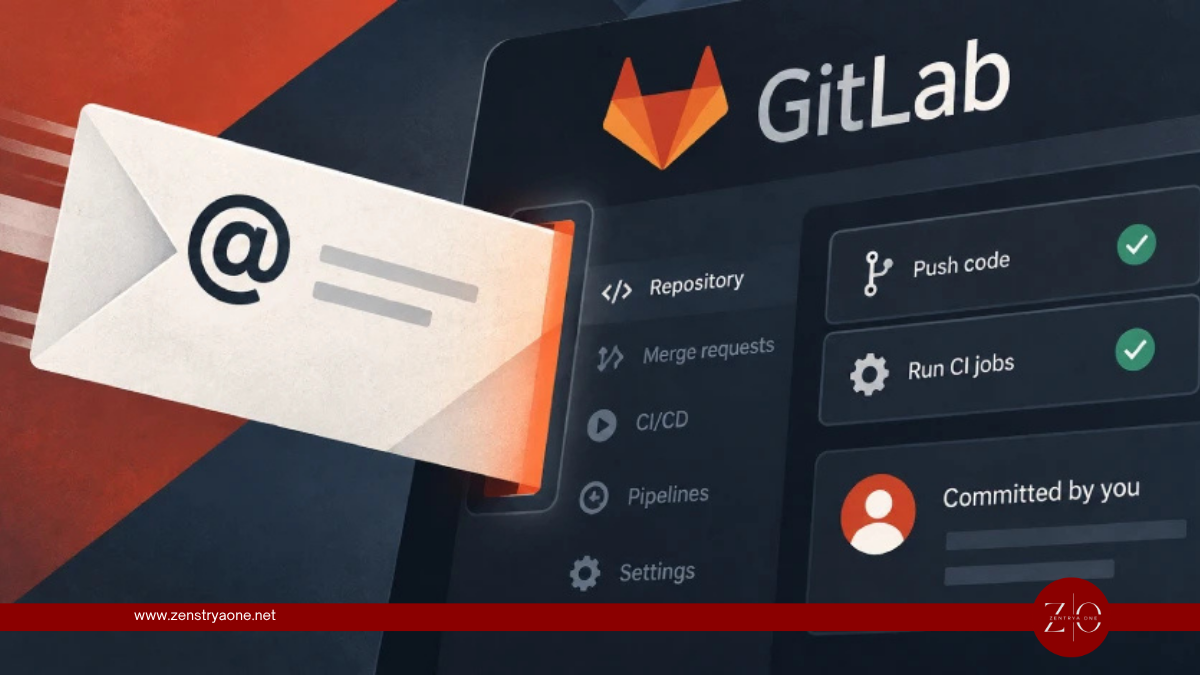
Security researchers have uncovered a potentially dangerous behavior in GitLab's incoming email feature that can allow anyone who obtains a user's private issue-email address to create merge requests, push code to permitted branches, and potentially execute CI/CD jobs using that user's privileges.
The research, published by Aikido Security, shows that the email address contains a long-lived token tied to the user's GitLab account rather than an individual project. GitLab documentation states that the token does not expire.
How the GitLab Email Token Works
GitLab provides users with a private address through its "Email work item to this project" feature.
Messages sent to this address are processed as though they were submitted by the GitLab account associated with the embedded token. Critically, GitLab does not verify that the email was actually sent from the account owner's mailbox.
Researchers found that the same token is used across different project addresses belonging to that user.
This means a leaked address should effectively be treated as a credential.
From Email Address to Code Commit
Aikido demonstrated that an attacker who obtains the address can modify its suffix from:
-issue
to:
-merge-request
The attacker can then attach a Git patch and specify a target branch in the email subject. GitLab processes the patch and commits the changes under the legitimate user's identity.
The attack flow becomes:
Leaked Email Token → Crafted Merge Request Email → Malicious Patch → GitLab Commit → CI/CD Pipeline Execution
If the compromised user's permissions allow pushing to main, the attacker could potentially modify that branch directly.
CI/CD Pipelines Increase the Impact
An attacker could also modify:
.gitlab-ci.yml
If the user's permissions allow the operation, GitLab can execute the attacker's CI/CD job using the privileges available to that account and project.
This creates potential risks including:
- Unauthorized source-code modification
- Malicious CI/CD pipeline execution
- Exposure of CI/CD secrets
- Software supply-chain compromise
- Changes to protected branches where the user has permission
- Actions appearing to originate from a legitimate developer
The impact therefore depends heavily on the privileges associated with the leaked token. A Maintainer's token, for example, can present significantly greater risk than one belonging to a Guest account.
IP Restrictions and 2FA Don't Protect This Path
Aikido also demonstrated that GitLab's incoming email functionality can operate outside normal security controls.
Incoming email is not subject to GitLab IP restrictions, and the feature works without two-factor authentication even where 2FA is required for normal account access.
This means:
IP Allowlist ≠ Protection Against Incoming Email Abuse
2FA ≠ Protection for a Leaked Incoming Email Token
An attacker still needs information identifying the target project, including its path and numeric project ID. Public projects expose this information, while targeting private projects generally requires additional knowledge.
GitLab Treats It as Credential Exposure
The issue currently has no CVE, and according to Aikido, GitLab has treated the behavior as intended functionality rather than a conventional software vulnerability.
GitLab has updated wording around the feature to clarify that the address can create issues and merge requests. However, the underlying behavior remains, including the non-expiring token and lack of sender verification.
GitLab is considering restricting incoming messages to email addresses verified on the user's account, but that protection was not implemented at the time of reporting.
What GitLab Users Should Do
Organizations should treat GitLab incoming email addresses like API keys or access tokens, not ordinary email addresses.
Security teams should:
- Reset exposed incoming email tokens.
- Search public READMEs, documentation and support pages for leaked addresses.
- Add GitLab incoming-email token patterns to secret-scanning rules.
- Review suspicious commits and merge requests created through email.
- Investigate unexpected CI/CD pipeline executions.
- Review changes to
.gitlab-ci.yml. - Restrict who can push to protected branches.
- Limit access to sensitive CI/CD variables.
Self-managed GitLab administrators can also disable incoming email functionality for the entire instance.
Security Takeaway
The key issue is that GitLab's incoming email address behaves more like a long-lived authentication credential than a simple project mailbox.
Leaked Address → User Impersonation → Code Commit → CI/CD Execution → Potential Supply-Chain Impact
Organizations using GitLab should therefore search repositories and public documentation for exposed incoming email addresses and immediately rotate any tokens that may have been disclosed.
Related reporting
Warlock Exploits SharePoint Flaws to Disable Security Tools and Deploy Ransomware
Warlock ransomware attackers exploit Microsoft SharePoint vulnerabilities to gain initial access, disable security tools and distribute ransomware across critical infrastructure networks.

Apple CoreGraphics Zero-Day PoC Emerges as WhatsApp PDF Checks Raise Delivery Questions
A public PoC for Apple CoreGraphics CVE-2026-86950 demonstrates memory corruption through a malicious PDF, while new WhatsApp PDF protections raise questions about a possible delivery path.
Kiteworks Fixes Critical Vulnerability Discovered During Emergency Shutdown
Kiteworks patched a previously unknown critical vulnerability discovered during a nine-hour precautionary shutdown prompted by intelligence about a potential cyberattack, with no evidence of exploitation.