PaperCut Replaces Emergency Patches With Permanent Fixes for Two Actively Exploited Vulnerabilities
PaperCut has released new regular maintenance updates for its PaperCut NG and PaperCut MF print-management platforms, replacing the emergency patches previously issued to address two vulnerabilities that have been actively exploited in the wild.
The new releases — PaperCut NG/MF 26.0.5, 25.0.13 and 24.1.10 — incorporate all security fixes delivered through Emergency Patch Releases 1, 2 and 3, while adding further security hardening and undergoing PaperCut's standard quality-assurance and release-testing process.
The move is significant for organizations that previously installed one of the emergency patches. PaperCut says the new maintenance releases supersede those emergency releases, meaning customers should transition to the appropriate regular maintenance version rather than relying indefinitely on the earlier emergency fixes.
Two Vulnerabilities Behind the Emergency Releases
The security response began after PaperCut confirmed active exploitation of two vulnerabilities affecting PaperCut NG and PaperCut MF.
| CVE | Vulnerability | Severity | Potential Impact |
|---|---|---|---|
| CVE-2026-81578 | Improper Access Control | CVSS v4.0 8.8 | Authentication bypass and unauthorized configuration changes |
| CVE-2026-82078 | Unsafe Dynamic Class Loading | CVSS v4.0 9.4 | Arbitrary Java bytecode execution |
Both vulnerabilities affect the PaperCut application server and can be chained to move from unauthorized access to code execution.
CVE-2026-81578 — Improper Access Control
CVE-2026-81578 exists in the web management interface of PaperCut NG and MF.
Under specific conditions, an unauthenticated remote attacker can send requests to administrative functionality before the application's access-control checks have fully completed. This can allow unauthorized modification of certain system configuration parameters.
The vulnerability carries a CVSS v4.0 score of 8.8.
On its own, configuration modification may not immediately provide complete control of the server. However, the ability to manipulate relevant settings becomes particularly dangerous when combined with the second vulnerability.
CVE-2026-82078 — Unsafe Dynamic Class Loading
CVE-2026-82078 affects database connection utilities in PaperCut NG and MF.
The affected functionality can instantiate database-driver classes based on configurable driver names without adequately restricting those classes to an approved allowlist.
If an attacker has already obtained the ability to modify the relevant configuration, the weakness can be abused to load Java bytecode from the application's classpath and execute it under the security context of the PaperCut server process.
The vulnerability has a CVSS v4.0 score of 9.4 and represents the more severe of the two flaws.
How the Vulnerabilities Can Be Chained
The two flaws become particularly dangerous when used together.
The general attack sequence is:
Internet-facing PaperCut server → exploit access-control weakness → modify configuration → abuse dynamic class loading → execute Java code → compromise PaperCut application server
An attacker does not necessarily need to exploit the second vulnerability independently from the beginning. The first vulnerability can provide the configuration modification capability needed to reach the code-execution stage.
Security organizations including NHS England have warned that continued exploitation is highly likely and have urged organizations to restrict public access to PaperCut application-server interfaces.
Emergency Patches Were Issued in Rapid Succession
PaperCut's response evolved through multiple emergency releases as researchers and the vendor investigated exploitation and additional attack paths.
Emergency Patch Releases 1, 2 and 3 were issued during the incident response.
Release 3 superseded Release 2 and incorporated additional protections. PaperCut has now moved beyond those emergency releases by providing fully tested maintenance releases that incorporate the security fixes and additional hardening.
This progression is important because organizations that installed the first emergency patch should not assume that their PaperCut deployment requires no further action.
The latest maintenance releases are intended to consolidate the fixes and replace the emergency-patch deployment model.
Latest PaperCut Versions
PaperCut customers should move to the appropriate regular maintenance release:
| Product | Recommended Maintenance Release |
|---|---|
| PaperCut NG/MF 26 | 26.0.5 |
| PaperCut NG/MF 25 | 25.0.13 |
| PaperCut NG/MF 24 | 24.1.10 |
PaperCut states that these versions contain the security fixes from Emergency Patch Releases 1, 2 and 3, together with additional hardening and standard QA testing.
Organizations running versions older than the supported maintenance branches should follow PaperCut's upgrade guidance rather than attempting to rely on the emergency patches indefinitely.
Internet-Facing PaperCut Servers Remain a Major Risk
One of the most important recommendations from PaperCut and national cybersecurity organizations is to remove unnecessary public exposure.
PaperCut specifically recommends immediately restricting access to PaperCut NG/MF Application Server web interfaces if they are reachable from the public internet.
Organizations can use:
- Firewall rules
- Network Access Control
- VPN or private network access
- IP allowlisting
- Segmentation
- Reverse-proxy access controls
- Administrative access restrictions
Only trusted networks or administrative systems should be able to reach sensitive PaperCut management interfaces wherever possible.
This mitigation remains important even after patching because a vulnerable server may already have been targeted before the fix was deployed.
Organizations Should Investigate for Previous Exploitation
Installing the latest version should not be treated as proof that an environment was never compromised.
Because both vulnerabilities have been actively exploited, security teams should investigate internet-facing PaperCut servers for signs of unauthorized activity.
Investigation should include:
- PaperCut application logs
- Web-server requests
- Administrative configuration changes
- Unexpected database configuration changes
- Unusual Java activity
- New or modified files
- Unexpected child processes
- Outbound connections from the PaperCut server
- Newly created accounts
- Authentication anomalies
- Persistence mechanisms
- Endpoint detection and response alerts
Organizations should also compare configuration changes against approved administrative activity.
If evidence of compromise is found, teams should move beyond simply patching the application and conduct a broader incident-response investigation.
Detection and Threat Hunting
Security teams can prioritize hunting around the PaperCut application server because successful exploitation may ultimately result in code execution within the server's security context.
Useful telemetry includes:
| Area | Investigation Focus |
|---|---|
| Web logs | Unusual administrative requests and unexpected remote sources |
| PaperCut logs | Configuration changes and administrative operations |
| Process telemetry | Unexpected Java child processes or command interpreters |
| Network telemetry | New outbound connections from the PaperCut server |
| File activity | Unexpected Java/class files or newly created executables |
| Authentication | New accounts or abnormal administrative access |
| EDR/XDR | Suspicious process chains originating from the PaperCut service |
Particular attention should be given to systems that were exposed directly to the internet during the period in which exploitation was active.
What Administrators Should Do Now
Organizations running PaperCut NG or MF should prioritize the following actions:
1. Upgrade to the latest maintenance release.
Move to 26.0.5, 25.0.13 or 24.1.10, depending on the deployed product branch.
2. Do not rely on older emergency patches indefinitely.
The new maintenance releases supersede Emergency Patch Releases 1, 2 and 3.
3. Remove unnecessary internet exposure.
Restrict PaperCut Application Server web interfaces to trusted networks or IP addresses.
4. Review the PaperCut security advisory and IOCs.
Use PaperCut's investigation guidance to determine whether the environment shows evidence of exploitation.
5. Hunt for post-exploitation activity.
Review EDR/XDR, Windows/Linux telemetry, process creation, authentication and network activity around the PaperCut server.
6. Rotate credentials if compromise is suspected.
If the PaperCut server was compromised, credentials accessible from that system should be considered potentially exposed.
7. Review lateral movement.
A compromised print-management server can provide an attacker with an additional foothold inside the enterprise network. Investigate connections from the PaperCut host to domain controllers, file servers, administrative systems and other internal assets.
Why This Update Matters
PaperCut NG and MF are commonly deployed as central print-management platforms, meaning a compromised application server can represent more than a localized printing problem.
The incident demonstrates how seemingly specialized enterprise applications can become attractive targets when they are internet-facing and contain weaknesses that can be chained into remote code execution.
It also highlights the importance of treating emergency security patches as part of an evolving incident response rather than assuming that the first available patch represents the final state of remediation.
The latest maintenance releases provide organizations with a more thoroughly tested baseline while consolidating the fixes introduced during PaperCut's emergency response.
Final Takeaway
PaperCut has now replaced the emergency-patch approach for CVE-2026-81578 and CVE-2026-82078 with regular maintenance releases that include the previous security fixes, additional hardening and standard QA testing.
Organizations should upgrade affected PaperCut NG/MF installations to 26.0.5, 25.0.13 or 24.1.10, restrict public access to PaperCut management interfaces and investigate previously exposed systems for signs of compromise.
Because the vulnerabilities have already been exploited in real-world attacks, organizations should treat this as an active security incident risk rather than a routine software-update task.
Related reporting
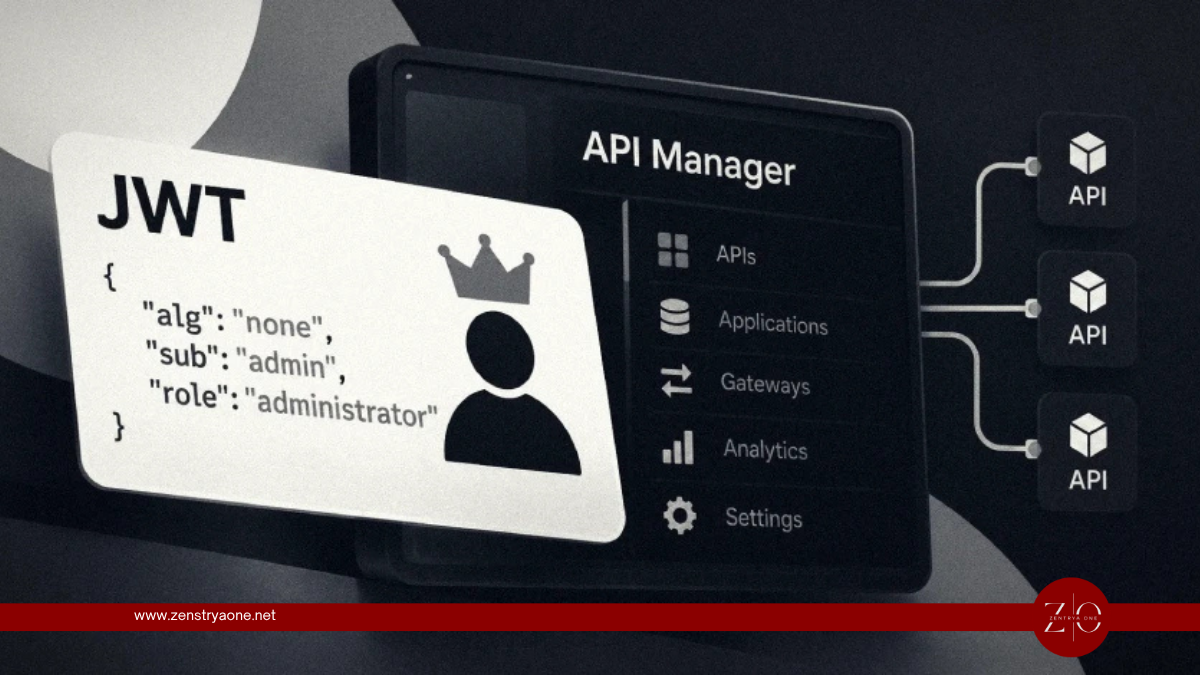
Hackers Exploit Critical WSO2 API Manager JWT Flaw Using Forged Admin Tokens
Security researchers have detected active exploitation attempts targeting a critical authentication-bypass vulnerability in WSO2 API Manager, with attackers sending forged JSON Web Tokens (JWTs) containing administrator privileges.

Nintendo Switch Vulnerability Lets Nearby Attackers Run Unauthorized Code via QR Code Feature
Nintendo has patched a high-severity vulnerability in the original Nintendo Switch that could allow a nearby attacker to execute unauthorized code or access information stored on the console.

China-Linked Hackers Chain Chrome and Windows Zero-Days to Deploy GRIMWEDGE Backdoor
China-linked threat actors have been observed chaining multiple vulnerabilities in Google Chrome and Microsoft Windows as part of sophisticated cyber-espionage campaigns targeting non-governmental organizations and other high-value organizations.