Gigabud Malware Creates Android Work Profiles to Evade Banking App Security Checks
The Android banking malware known as Gigabud is using a previously documented Android enterprise feature in an unusual way—creating work profiles to conceal malicious activity from security checks performed by banking applications.
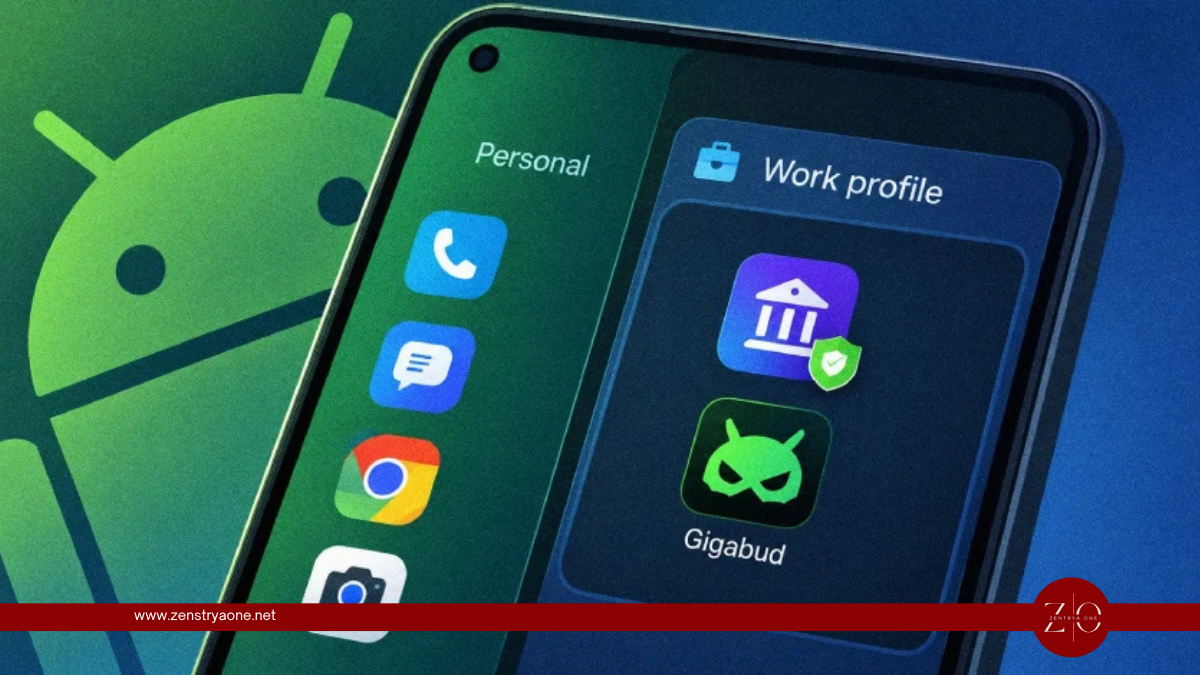
Cybersecurity researchers have identified a new technique associated with Gigabud, an Android malware family that targets users of financial applications. Rather than relying only on traditional obfuscation or permission abuse, the malware can take advantage of Android's work profile functionality to separate malicious activity from the environment monitored by banking applications.
The technique is significant because many banking and financial applications perform security checks designed to determine whether a device contains potentially dangerous applications, accessibility abuse, overlays, or other indicators of compromise. By placing malicious components inside a separate Android profile, Gigabud can attempt to make those checks less effective.
The development comes amid a broader increase in Android banking malware activity. Kaspersky reported detecting more than 162,000 new mobile banking Trojan installation packages during the first quarter of 2026, highlighting the growing scale and sophistication of threats targeting mobile financial users.
Gigabud's Work Profile Evasion Technique
Android work profiles are legitimate features designed primarily for separating corporate applications and data from a user's personal environment.
Organizations commonly use them to manage business applications, enforce security policies and keep enterprise information isolated from personal content on employee devices.
Gigabud abuses this separation model for malicious purposes.
Instead of operating entirely inside the user's normal Android profile, the malware can create or utilize a work profile and place malicious applications or components inside that environment.
This creates an additional layer between the malware and security mechanisms operating in the user's primary profile.
The approach represents a shift from simply attempting to hide a malicious application to manipulating the operating system's profile architecture itself.
Why Banking Applications May Be Affected
Mobile banking applications increasingly perform device-security checks before allowing users to access sensitive functions.
Depending on the application and its security architecture, these checks can look for indicators such as:
- Known malicious applications
- Suspicious accessibility services
- Overlay applications
- Root or compromised devices
- Debugging environments
- Abnormal application configurations
- Signs of automated interaction
- Potentially dangerous installed software
These mechanisms are intended to prevent malware from stealing credentials, manipulating transactions or controlling banking sessions.
However, security checks that examine only the user's primary Android profile may have limited visibility into applications operating within another profile.
Gigabud's technique attempts to exploit precisely this separation.
How the Attack Can Work
At a high level, the technique can be represented as follows:
| Stage | Activity |
|---|---|
| 1. Initial infection | Victim installs or launches a malicious application distributed through attacker-controlled channels. |
| 2. Profile manipulation | Gigabud creates or interacts with an Android work profile. |
| 3. Malware deployment | Malicious components are placed within the separate profile environment. |
| 4. Security-check evasion | Banking applications in the primary profile may have reduced visibility into the malicious components. |
| 5. Banking attack | Malware can continue attempting to steal information or interfere with financial activity. |
The technique does not necessarily mean that every banking application can be bypassed. Its effectiveness depends on how the target application performs device and application integrity checks.
A Legitimate Android Feature Turned Into an Evasion Mechanism
Work profiles are not inherently insecure.
They were designed to provide administrators with a controlled environment for enterprise applications and data. Android's profile separation can be useful for organizations implementing Bring Your Own Device (BYOD) programs because corporate information can remain separated from personal applications and files.
The security concern arises when malware attempts to abuse those same boundaries.
From an attacker's perspective, a legitimate operating-system capability can provide a convenient mechanism for hiding applications from security controls that were designed primarily around the user's normal profile.
This illustrates a broader trend in mobile malware: attackers increasingly look for ways to abuse legitimate operating-system functionality instead of relying solely on obviously malicious techniques.
Gigabud Targets Financial Users
Gigabud has been associated with attacks against users of financial services, making the ability to bypass mobile security controls particularly valuable.
Banking malware can attempt to obtain sensitive information through several mechanisms, including:
- Credential theft
- Fake login interfaces
- Screen or session monitoring
- Accessibility-service abuse
- SMS interception
- Remote control
- Overlay attacks
- Transaction manipulation
The malware's ability to hide components from security checks can increase the time available for these activities.
The Growing Android Banking Malware Problem
The Gigabud development comes as mobile banking threats continue to expand.
Kaspersky reported that 162,275 new mobile banking Trojan installation packages were detected during Q1 2026. Banking Trojans represented approximately 53% of all malicious mobile applications identified during the quarter, according to the security company.
Attackers are increasingly distributing Android malware through multiple channels, including:
- Phishing campaigns
- Unofficial application stores
- Fake applications
- Modified legitimate applications
- Malicious advertisements
- Fake giveaways
- Social-engineering campaigns
This distribution model allows attackers to combine social engineering with increasingly sophisticated technical evasion.
Why This Technique Matters
The use of work profiles highlights a fundamental challenge for mobile security vendors and financial institutions.
A security mechanism may correctly identify malicious software inside the environment it can inspect while failing to account for applications operating in another legitimate Android profile.
This creates a potential visibility gap rather than a conventional malware-detection failure.
For banking applications, this means device-security checks may need to consider more than the applications installed in the user's primary profile.
Security Recommendations for Organizations
Financial institutions and mobile application developers should consider strengthening their Android security controls to account for profile-based evasion.
Recommended measures include:
Expand device-integrity checks
Security controls should evaluate the broader device environment instead of relying exclusively on application visibility within the primary user profile.
Monitor profile configuration
Unexpected creation or modification of Android work profiles can be investigated as a potential risk signal, particularly on devices that do not normally require enterprise profile functionality.
Strengthen application attestation
Financial applications can use platform integrity mechanisms and server-side risk assessment to identify devices exhibiting suspicious configurations.
Combine multiple signals
No single security check should be treated as definitive. Application integrity, device state, profile configuration, behavioral indicators and transaction risk should be evaluated together.
Protect high-risk transactions
Additional verification can be applied to unusual transactions, new beneficiaries, changes to account information and other high-value actions.
What Android Users Should Watch For
Users should be cautious when installing applications from outside official and trusted distribution channels.
Warning signs include:
- Applications requesting unusual permissions
- Unexpected requests to enable accessibility services
- Unknown device-administration prompts
- Unexpected work-profile creation
- Security warnings that repeatedly disappear
- Banking applications suddenly reporting unusual device conditions
- Unknown applications appearing on the device
- Unexpected SMS or notification activity
- Suspicious pop-ups requesting banking credentials
If a device unexpectedly develops a work profile or begins behaving unusually, users should avoid accessing sensitive financial accounts until the device has been checked.
The Bigger Mobile Security Lesson
Gigabud's work-profile technique demonstrates how malware authors are increasingly turning legitimate operating-system functionality into an attack advantage.
Rather than simply trying to defeat a security product directly, attackers can manipulate the environment in which security checks operate.
For financial applications, this creates a need for security models that evaluate the entire device security posture, rather than relying solely on conventional installed-application checks.
As Android banking malware continues to evolve, techniques that exploit legitimate platform features could become increasingly common.
Conclusion
Gigabud's abuse of Android work profiles represents another evolution in mobile banking malware evasion.
By attempting to isolate malicious activity from the profile where a banking application performs its security checks, the malware can potentially reduce the visibility available to those defenses.
The technique reinforces an important principle for mobile security: a device should not automatically be considered safe simply because a banking application cannot see an obvious malicious application in its own environment.
With mobile banking Trojans continuing to grow in volume and sophistication, financial institutions and security developers will need to adapt their defenses to account for profile separation, legitimate administrative features and other operating-system capabilities that attackers can repurpose for evasion.
Related reporting

Iran-Linked Hackers Use Telegram-Controlled Malware to Spy on Dissidents and Journalists
Cybersecurity and intelligence agencies from the United Kingdom, United States and Netherlands have exposed an Iranian state-linked cyber-espionage campaign using sophisticated Windows malware to monitor dissidents, activists and journalists around the world.
Russian State-Sponsored Hackers Used Claude to Rebuild Malware After Detection
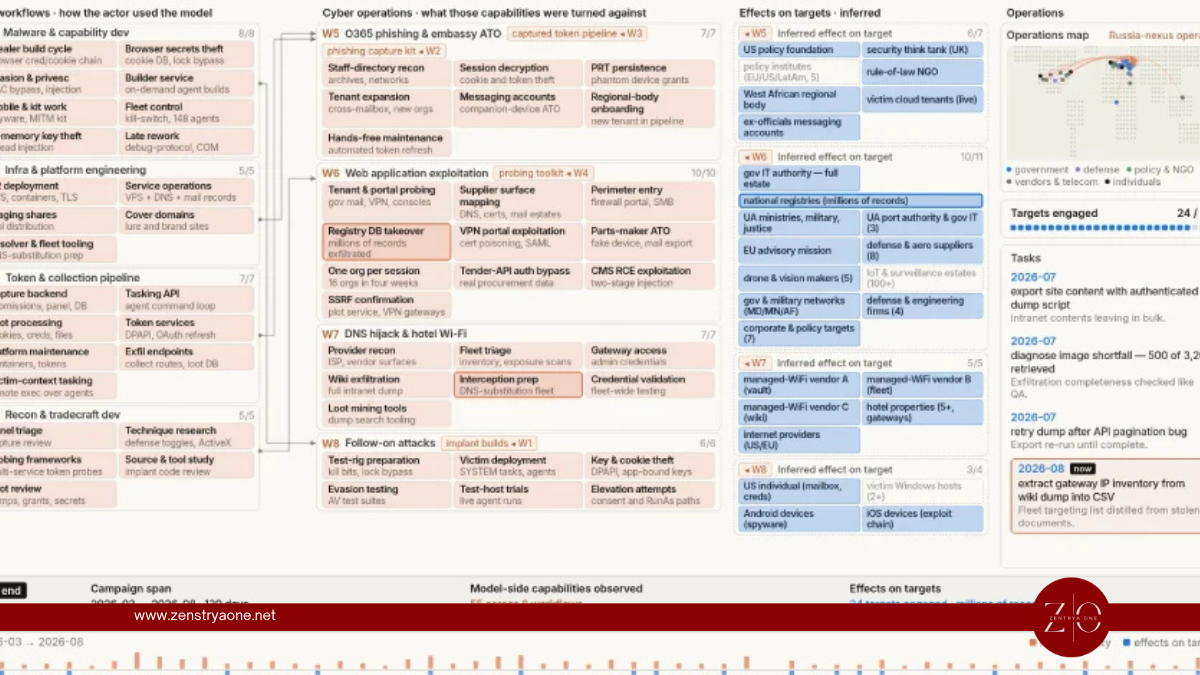
A Russian state-linked cyber-espionage operation has used Anthropic's Claude AI to create an automated malware-evasion workflow capable of detecting when its malicious tools were identified by security products and then modifying and rebuilding those tools to bypass the detections.
Russia-Aligned Hackers Use GuardBreaker Prompt Injection to Disrupt AI Malware Analysis
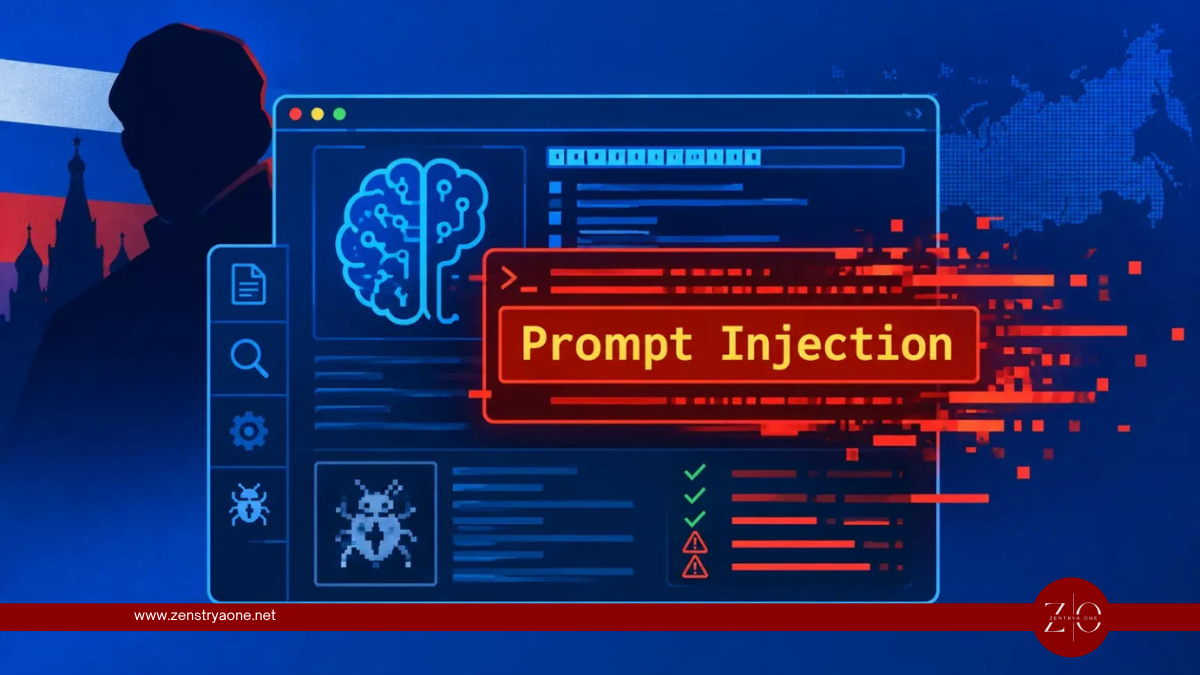
A Russia-aligned threat actor has embedded an adversarial prompt inside malicious code to manipulate AI-powered malware analysis systems, attempting to trigger safety protections and prevent automated tools from examining the actual payload.