N0va Phishkit Targets US and European Businesses With Device-Code Authentication Attacks
N0va phishing attacks target US and European organizations by abusing Microsoft device-code authentication to obtain access and refresh tokens, potentially enabling SSO account takeover even after MFA.
A newly identified phishing toolkit called N0va is targeting organizations across North America and Europe by impersonating trusted business platforms and abusing legitimate Microsoft authentication workflows to compromise corporate identities.
Unlike traditional phishing campaigns that simply clone a login page and steal usernames and passwords, N0va can manipulate device-code authentication to obtain valid access and refresh tokens.
This means a victim may interact with Microsoft's legitimate authentication infrastructure—and even successfully complete multi-factor authentication (MFA)—while unknowingly authorizing an attacker-controlled session.
Researchers have observed N0va activity affecting organizations in government, technology, consulting, healthcare and other sectors, making the campaign an important example of how modern phishing is increasingly targeting identity sessions rather than passwords alone.
N0va at a Glance
| Detail | Information |
|---|---|
| Threat | N0va |
| Type | Phishing kit / identity attack |
| Primary Target | Microsoft/cloud identities |
| Regions | North America and Europe |
| Targeted Sectors | Government, technology, consulting, healthcare and others |
| Main Technique | Device-code phishing |
| Primary Objective | Access and refresh token theft |
| MFA Bypass | Can abuse legitimate authentication after victim completes MFA |
| Potential Impact | Account takeover, SSO access, data theft and financial fraud |
The campaign was analyzed by researchers at ANY.RUN, who identified N0va infrastructure and observed its behavior through interactive sandbox investigations.
Trusted Business Platforms Used as Lures
N0va relies heavily on services employees regularly encounter during their working day.
Researchers observed phishing pages impersonating platforms including:
- Microsoft Teams
- SharePoint
- OneDrive
- DocuSign
- Google Drive
- Dropbox
- Zoom
- Adobe Sign
These brands provide attackers with believable scenarios such as shared documents, meeting invitations, signature requests and cloud-file notifications.
The objective is to convince the victim that completing an authentication process is a normal part of accessing the requested business resource.
How the N0va Attack Works
A typical N0va attack can be summarized as:
Trusted business-service lure
↓
Victim reaches N0va phishing infrastructure
↓
Device-code authentication initiated
↓
Victim directed toward legitimate Microsoft authentication
↓
Victim enters device code
↓
Microsoft login and MFA completed
↓
Attacker receives authorized access/refresh tokens
↓
Token exchange or device-registration activity
↓
SSO access to corporate resources
The particularly dangerous part of this workflow is that some of the authentication activity occurs through legitimate Microsoft infrastructure.
That can make the attack appear considerably more trustworthy than a conventional fake Microsoft password page.
How Device-Code Phishing Works
Microsoft's device authorization flow exists for legitimate scenarios where a device may not have a convenient browser or keyboard.
Normally, a device requests an authentication code and asks the user to authenticate using another device.
Conceptually:
Device requests authorization
→ Device code generated
→ User visits Microsoft authentication
→ User enters code
→ User authenticates
→ Device receives authorized tokens
N0va abuses this process by making the attacker the device requesting authorization.
The victim is then socially engineered into completing the authorization process.
Instead of entering credentials directly into an attacker-controlled form, the victim can be sent through Microsoft's real authentication environment.
Once authentication succeeds, the attacker-controlled session can receive valid tokens.
This is why simply checking whether the login page belongs to Microsoft does not necessarily protect against device-code phishing.
MFA Can Still Be Completed
N0va also highlights an important distinction between stealing an MFA code and tricking a victim into authorizing an attacker-controlled authentication request.
The victim may:
Enter username
→ Enter password
→ Complete MFA
→ Authentication succeeds
From the user's perspective, everything can appear normal.
But the authorization may be associated with the attacker's device-code request.
The attacker can therefore obtain valid tokens after the victim successfully completes the authentication process.
This does not mean MFA is useless or fundamentally broken.
Instead, the attack abuses a legitimate authentication workflow in a way that causes the user to authorize the wrong session.
Access and Refresh Tokens Are the Real Prize
N0va's objective goes beyond collecting passwords.
Successful attacks can provide attackers with:
Access tokens — short-lived credentials used to access cloud resources.
Refresh tokens — longer-lived tokens capable of requesting new access tokens under applicable identity policies.
Obtaining these tokens can potentially give attackers access to resources associated with the compromised Microsoft identity.
Depending on permissions, that may include:
- Outlook email
- OneDrive
- SharePoint
- Teams
- Corporate documents
- Cloud applications
- Internal business services
N0va has also been observed abusing token-exchange and device-registration mechanisms in attempts to establish broader SSO access.
Why Identity Attacks Are Difficult for SOC Teams
Traditional phishing detection often concentrates on:
Malicious URL → Fake login → Credential theft → Malware
N0va complicates that model.
Parts of the authentication chain can involve legitimate cloud infrastructure, and successful compromise may not install malware on the employee's endpoint.
Instead, the attacker obtains a valid identity.
Subsequent activity could therefore appear as:
Successful authentication
Valid cloud session
Normal Microsoft APIs
Legitimate SaaS applications
but performed by an unauthorized person.
This shifts the detection problem from simply identifying malicious files toward understanding identity behavior.
N0va Infrastructure Uses Multiple Hosting Layers
Researchers also observed campaign infrastructure spread across compromised legitimate websites and cloud-hosting services.
Reported infrastructure included:
- Compromised websites
- Cloudflare Workers
- Linode Object Storage
- Attacker-controlled phishing infrastructure
Using legitimate or compromised infrastructure can make simple domain-based blocking less effective because defenders may encounter services that also host legitimate traffic.
Researchers identified a characteristic N0va URL structure containing:
/api/verification/init?session=*&flow=*prompt_profile=
This pattern can provide useful context when investigating suspected N0va activity, although defenders should combine individual indicators with behavioral evidence rather than relying on a single IOC.
Potential Business Impact
Once a corporate identity is compromised, the attacker may gain access to significantly more than one mailbox.
Depending on the victim's permissions, possible consequences include:
- Email compromise
- Sensitive document theft
- SharePoint and OneDrive access
- Internal reconnaissance
- Business email compromise
- Invoice manipulation
- Payment fraud
- Theft of intellectual property
- Customer-data exposure
- Additional phishing from trusted accounts
- Access to connected SaaS applications
A compromised account may also provide attackers with information about employees, customers and suppliers that can be used to create more convincing follow-up attacks.
What Security Teams Should Hunt For
SOC and identity teams should investigate unusual activity associated with device-code authentication.
Useful indicators include:
- Unexpected device-code authentication
- Device-code authentication from users who do not normally use it
- New device registrations
- Authentication from unfamiliar locations
- Unusual applications requesting authorization
- Suspicious token-exchange activity
- Unexpected refresh-token usage
- New SSO sessions shortly after device-code authentication
- Unusual Microsoft Graph activity
- Abnormal SharePoint or OneDrive downloads
- Unexpected mailbox access
- Privileged accounts using device-code flows
- New authentication methods or devices
- Authentication followed immediately by large-scale cloud reconnaissance
Individual signals may have legitimate explanations, so correlation is important.
For example:
- Unexpected device-code login
- New device registration
- Unusual location
- Large SharePoint download
should receive considerably higher priority than any of those events viewed independently.
Restrict Device-Code Authentication
One of the strongest defensive measures is reducing unnecessary use of device-code authentication.
Microsoft recommends organizations move as close as possible to blocking device-code flow by default, while allowing carefully controlled exceptions where legitimate business requirements exist.
Organizations should first identify:
- Which users require device-code authentication
- Which applications use it
- Which devices depend on it
- Whether those workflows can use stronger alternatives
Conditional Access policies can then be used to restrict the flow according to organizational requirements.
Phishing-Resistant MFA Still Matters
Organizations should continue moving toward phishing-resistant authentication methods such as:
- FIDO2 security keys
- Passkeys
- Windows Hello for Business
However, authentication strength should be combined with controls around which authentication flows and devices are allowed.
Device-code attacks demonstrate that organizations cannot rely solely on asking:
"Did the user successfully complete MFA?"
Security teams also need to understand:
"What exactly did the user authorize?"
Token Protection Can Reduce Session Theft Risk
Where supported, organizations should also evaluate Microsoft's Token Protection capabilities.
Token Protection can bind supported authentication tokens to a specific device, making stolen tokens more difficult to replay from attacker-controlled systems.
This reflects a broader identity-security strategy:
- Strong Authentication
- Conditional Access
- Device Trust
- Token Protection
- Identity Monitoring
is stronger than relying on MFA alone.
Responding to Suspected N0va Compromise
If an account is suspected of being compromised through N0va, simply changing the user's password may not be enough.
The attacker may already possess authenticated tokens.
Incident responders should consider:
- Revoke active sessions and refresh tokens.
- Reset the affected user's credentials.
- Review registered devices.
- Remove unauthorized device registrations.
- Review authentication methods.
- Examine recent Conditional Access events.
- Investigate mailbox activity.
- Review SharePoint and OneDrive access.
- Examine Microsoft Graph activity.
- Search for suspicious OAuth/application authorization.
- Determine whether sensitive data was downloaded.
- Investigate whether the compromised account contacted other employees.
Privileged identities should receive particularly aggressive investigation because their compromise can significantly expand the attacker's access.
Security Takeaway
N0va demonstrates how phishing is evolving from password theft into identity-session compromise.
Instead of relying entirely on convincing users to type credentials into obviously fake websites, attackers can manipulate legitimate authentication workflows and convince victims to authorize attacker-controlled sessions.
The result can be particularly deceptive:
The Microsoft page is real.
The authentication is real.
The MFA request is real.
But the session being authorized belongs to the attacker.
For SOC teams, this means phishing defense can no longer focus exclusively on malicious URLs, attachments and credential-harvesting pages.
Organizations increasingly need visibility into authentication flows, token behavior, device registration, cloud sessions and post-authentication activity.
N0va reinforces a fundamental shift in enterprise security:
Identity itself has become a primary attack surface.
Related reporting
MI5 Says China’s MSS Funded Research Involving More Than 100 U.K.-Linked Academics
MI5 says China's Ministry of State Security used CGTRI-linked funding for research involving more than 100 U.K.-linked academics in AI, cybersecurity and other technologies with potential espionage applications.
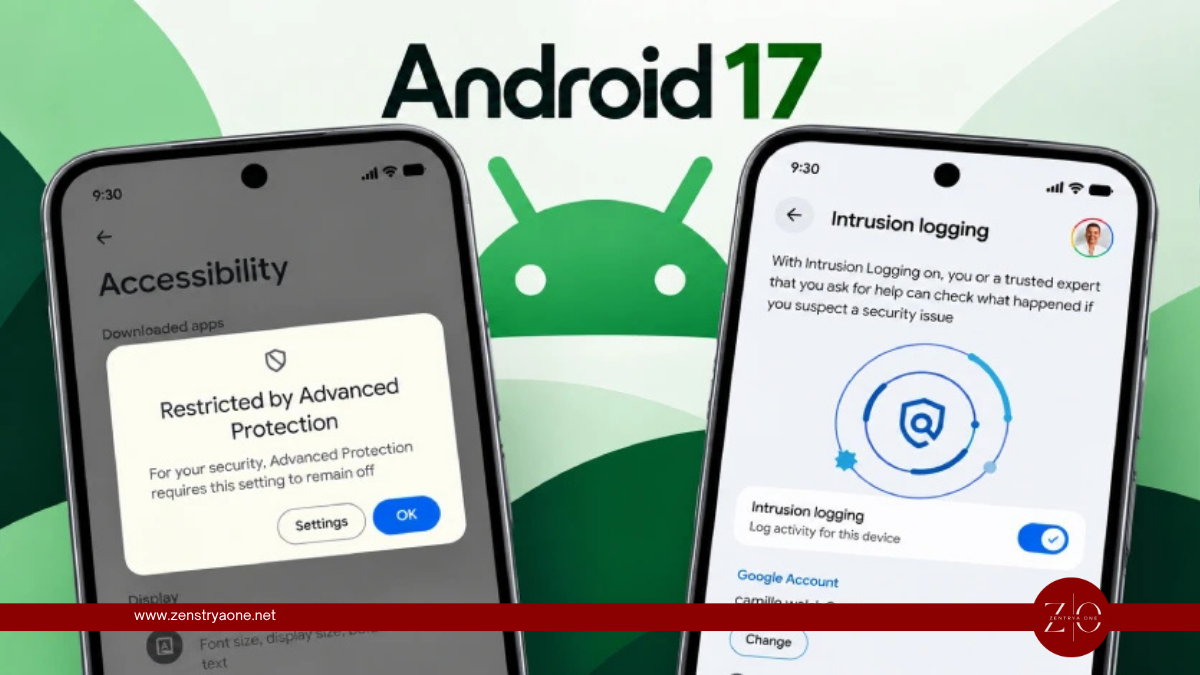
Android 17 Advanced Protection Blocks Unverified Apps From Accessibility Services
Android 17 Advanced Protection restricts AccessibilityService access to verified accessibility tools, helping block banking malware, spyware and financial fraud while adding USB, WebGPU and intrusion-logging defenses.
Attacker Hijacks AI Coding Assistant Session and Spreads Shai-Hulud Across 100 Repositories
An attacker hijacked an AI coding-assistant session at a SaaS provider, stole GitHub OAuth tokens and spread the Shai-Hulud worm across about 100 internal code repositories.