New ClickFix Attack Hides Malware in Browser Cache to Bypass Windows Run Limits
A new ClickFix attack hides malicious VBScript payloads inside browser cache files disguised as PNG images, bypassing Windows Run character limits and deploying credential-stealing malware.
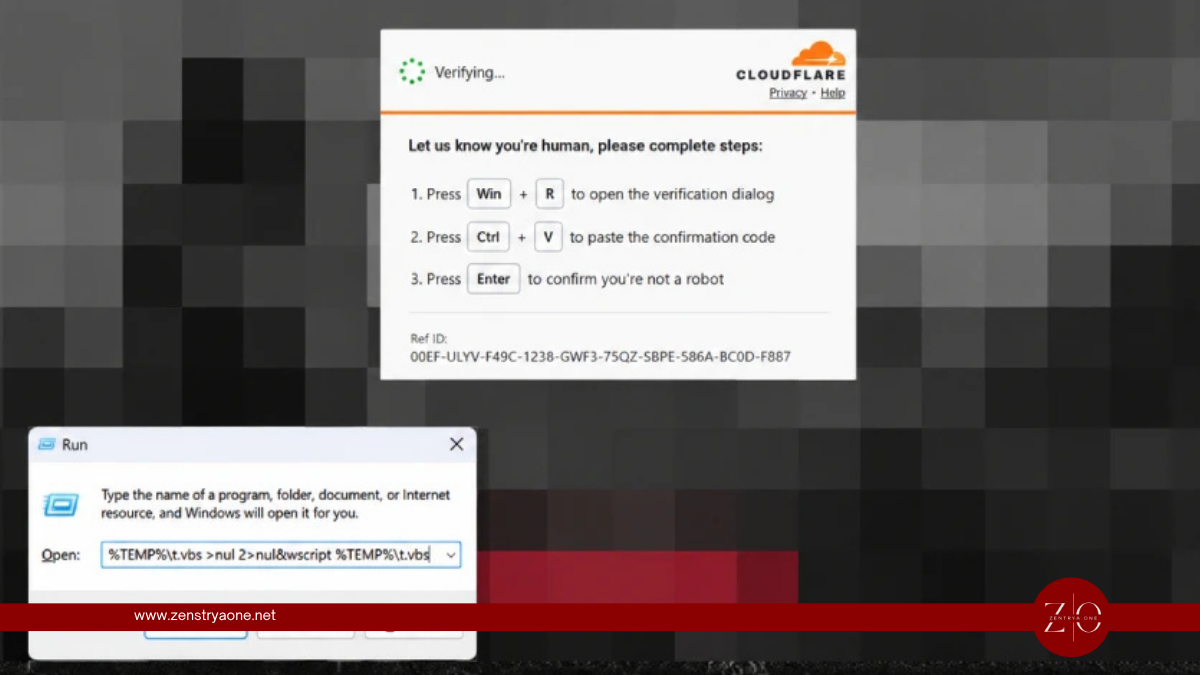
Cybercriminals are using a new ClickFix technique that secretly places malicious scripts inside a victim's browser cache before tricking them into executing the payload through the Windows Run dialog.
Microsoft Threat Intelligence says the technique differs from traditional ClickFix attacks because the malicious payload does not initially need to be downloaded by the command entered by the victim. Instead, a compromised website pre-fetches the payload into the browser cache while disguising it as a PNG image.
Why Browser Cache Smuggling Matters
Traditional ClickFix attacks typically convince users to copy and execute a malicious command through Windows Run, PowerShell or Terminal.
However, the Windows Run dialog limits input to roughly 260 characters, restricting how much malicious code attackers can directly place into the command.
The new technique gets around this limitation by storing the larger payload inside the browser cache first. The victim then only needs to execute a relatively short command that locates and launches the cached malware.
The attack can be summarized as:
Compromised Website → Fake Verification/Error → Malicious PNG Cached → Victim Runs Command → Cached VBScript Located → PowerShell Executed → Malware Loaded
How the Attack Works
In the campaign observed by Microsoft, attackers stage a VBScript payload inside the browser cache.
When the victim follows the ClickFix instructions, the malicious command searches the browser profile directory for cached files matching a specific naming pattern.
Instead of searching the content for a particular marker, the script checks file sizes until it identifies the expected cache entry.
The cached file is then copied to:
%LOCALAPPDATA%\Temp\t.vbs
The renamed script is executed using the legitimate Windows wscript.exe utility.
PowerShell Continues the Infection
Once executed, the VBScript collects information about the compromised system using Windows Management Instrumentation (WMI).
It then retrieves a PowerShell script from attacker-controlled infrastructure.
That PowerShell stage downloads another payload called cab.dat, which is subsequently executed inside a hidden window.
The infection eventually loads .NET assemblies directly into memory and injects malicious code into a legitimate Windows process called timeout.exe.
The attackers ultimately target sensitive information including browser and device credentials.
ClickFix Continues to Evolve
ClickFix is a social-engineering technique that persuades victims to execute attacker-provided commands themselves.
Common lures include:
- Fake CAPTCHA verification
- Browser errors
- Fake software updates
- Broken video meetings
- Document-access errors
- Technical troubleshooting messages
CrowdStrike reported a 563% increase in incidents involving fake CAPTCHA lures during 2025, demonstrating how rapidly this type of social engineering has grown.
Other ClickFix campaigns have also experimented with hiding malicious payloads inside images. Huntress recently documented attacks using steganography to conceal malware directly within PNG pixel data, ultimately delivering information stealers including LummaC2 and Rhadamanthys.
Compromised WordPress Sites Used for ClickFix
Attackers are also compromising legitimate websites to distribute ClickFix lures.
Recent research identified thousands of compromised websites serving fake verification pages, including campaigns where attackers exploited vulnerable WordPress plugins and used EtherHiding to retrieve changing infrastructure information from blockchain smart contracts.
Using legitimate compromised websites can make these attacks more convincing because victims may encounter the malicious instructions on domains they would not normally consider suspicious.
What Security Teams Should Monitor
Microsoft recommends that organizations look beyond traditional file-download detections and monitor behaviors associated with ClickFix execution.
Important indicators include:
- Suspicious Windows Run activity
- Changes to the
RunMRUregistry key wscript.exelaunching unexpected scripts- PowerShell spawned after browser activity
- PowerShell downloading external payloads
- Unexpected browser-cache file access
- Suspicious scheduled tasks
- Unusual outbound network connections
Application control, PowerShell script-block logging, web filtering and endpoint behavioral monitoring can also help interrupt the attack chain.
Security Takeaway
The latest ClickFix technique demonstrates how attackers continue to adapt social engineering to bypass technical restrictions.
Rather than sending a traditional malicious executable, attackers can now:
Cache the Payload → Convince the User to Run a Short Command → Recover the Payload Locally → Execute Malware
The most important rule for users remains simple:
A legitimate CAPTCHA, website verification, browser update or technical error should never require you to paste commands into Windows Run, PowerShell, Command Prompt or Terminal.
If a website asks you to perform those actions, it should be treated as a potential security incident.
Related reporting
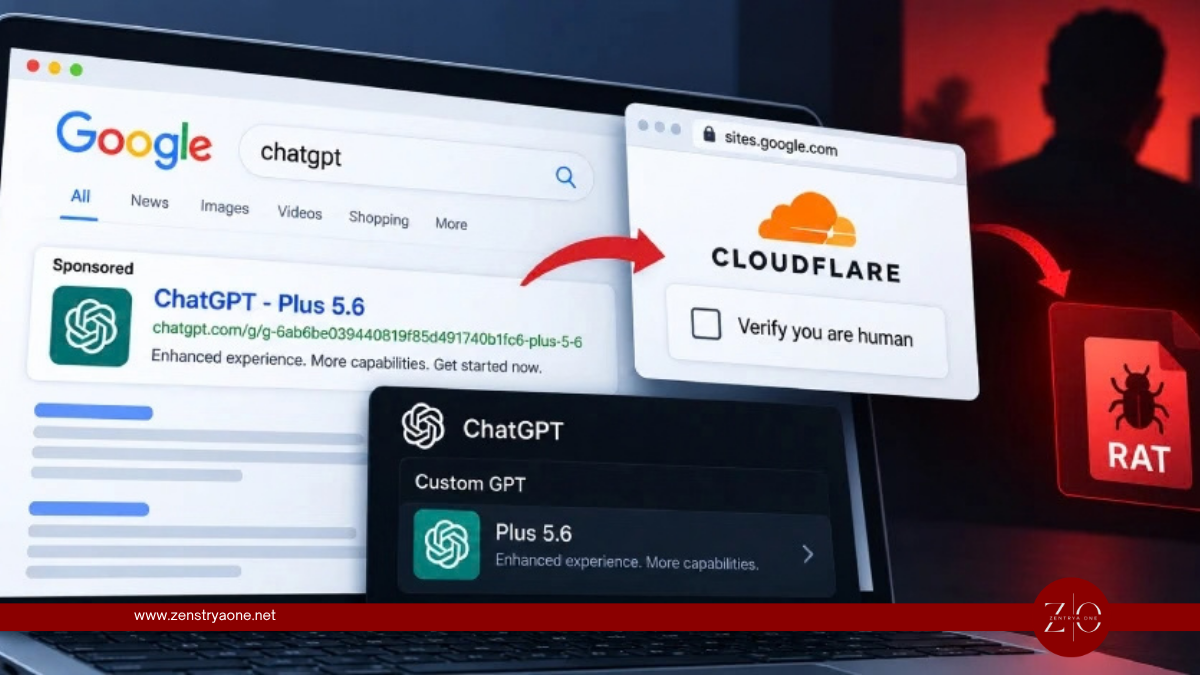
Attackers Abuse ChatGPT Custom GPTs to Deliver RAT Malware via ClickFix
Attackers abuse ChatGPT Custom GPTs and sponsored Google results to redirect victims to ClickFix pages that execute PowerShell and install remote access trojan malware.
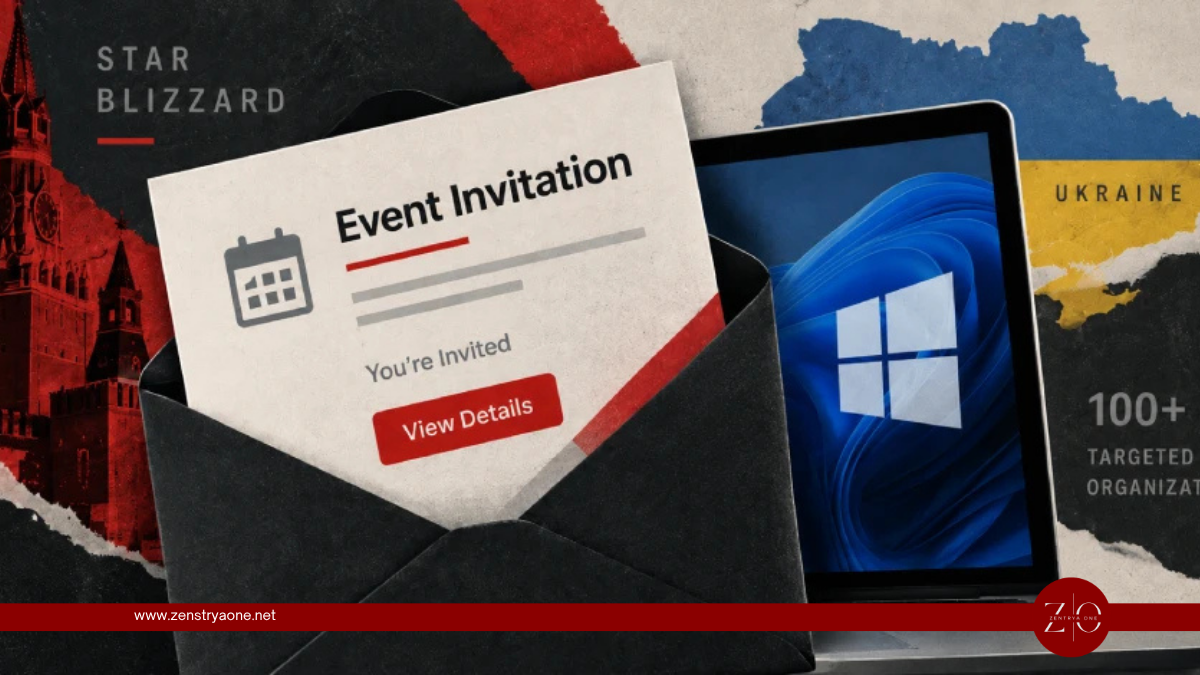
Star Blizzard Targets 100+ Organizations With Fake Event Invites and CosmicPulse Backdoor
Russia-linked Star Blizzard targets more than 100 organizations using fake event invitations, the new RedFlick malware delivery technique and the CosmicPulse Windows backdoor.
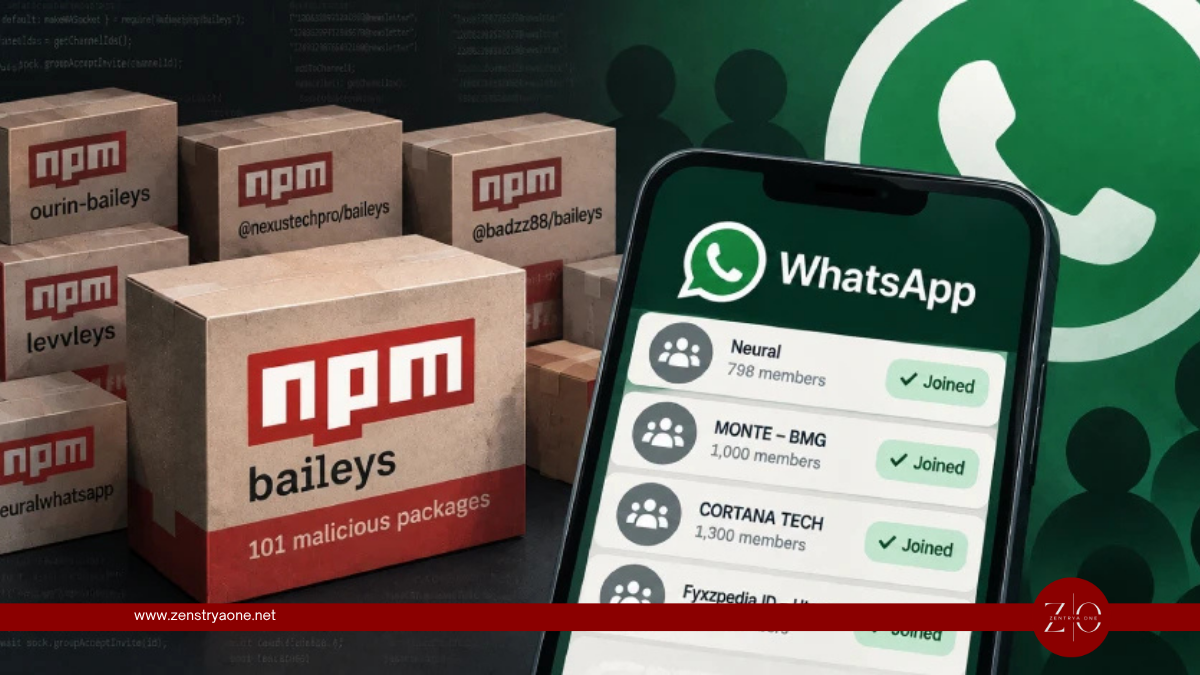
101 Malicious npm Packages Secretly Add Developers to WhatsApp Groups
Researchers uncover 101 malicious npm packages in the PhantomSub campaign that abuse authenticated WhatsApp sessions to secretly add developers to attacker-controlled groups and channels.