Hackers Exploit Critical WooCommerce Plugin Flaw to Plant PHP Web Shells
Threat actors are actively exploiting a critical vulnerability in the Wholesale Lead Capture Plugin for WooCommerce, allowing unauthenticated attackers to upload malicious PHP files and potentially take complete control of vulnerable WordPress websites.
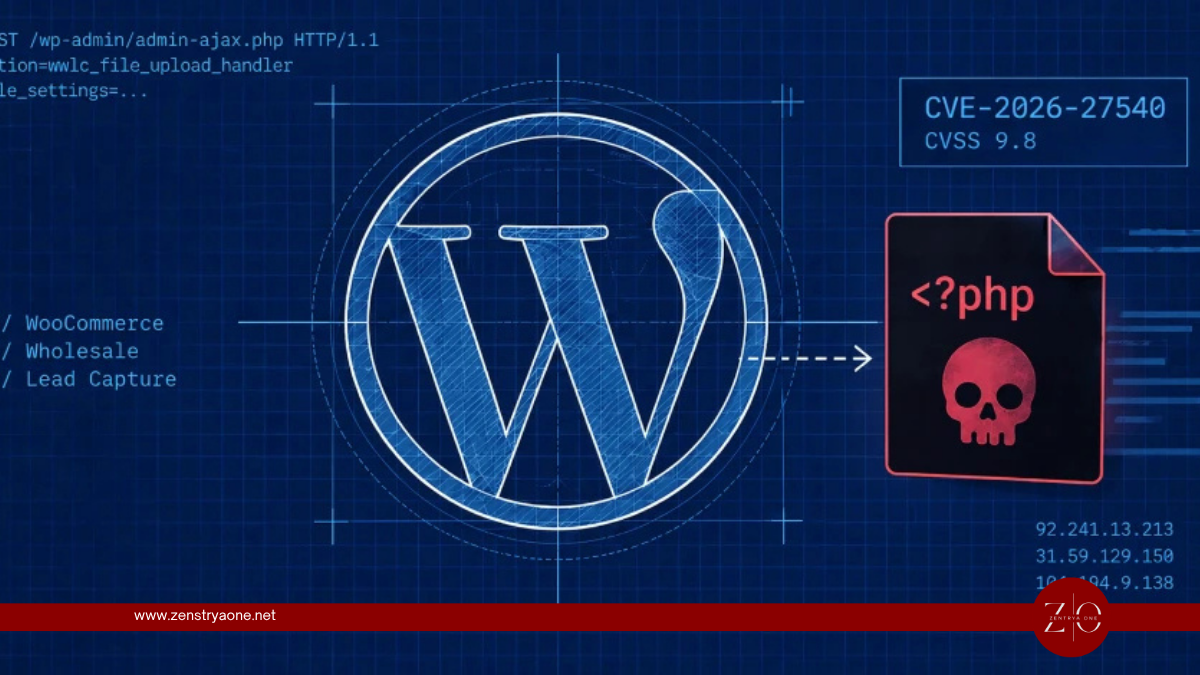
Tracked as CVE-2026-27540, the vulnerability carries a CVSS score of 9.8 and affects plugin versions 2.0.3.1 and earlier.
Wordfence has reported blocking more than 100,000 exploitation attempts since June 2026, demonstrating that attackers are actively scanning the internet for WordPress installations that have not yet applied the available security update.
CVE-2026-27540 at a Glance
| Detail | Information |
|---|---|
| CVE | CVE-2026-27540 |
| Severity | Critical |
| CVSS | 9.8 |
| Product | Wholesale Lead Capture Plugin for WooCommerce |
| Vulnerability | Unauthenticated arbitrary file upload |
| Authentication Required | No |
| Affected Versions | 2.0.3.1 and earlier |
| Patched Version | 2.0.3.2 |
| Potential Impact | Remote code execution / site takeover |
| Active Exploitation | Yes |
The vulnerable premium plugin has more than 6,000 active installations and is designed to provide registration and onboarding functionality for wholesale and B2B customers.
How the Vulnerability Works
The problem exists in an AJAX action called:
wwlc_file_upload_handler
This functionality handles file uploads associated with the plugin's wholesale registration process.
The vulnerable implementation fails to enforce file-type restrictions securely on the server. Instead, the permitted file extensions can be influenced through a user-controlled file_settings request parameter.
An attacker can manipulate that parameter to make PHP appear to be an allowed file type.
The attack can therefore follow this sequence:
Attacker identifies vulnerable WordPress site
↓
Crafted request sent to WordPress AJAX endpoint
↓wwlc_file_upload_handler action invoked
↓
Attacker manipulates file_settings
↓
PHP added as permitted file type
↓
Malicious PHP file uploaded
↓
Attacker accesses uploaded file
↓
PHP executes on server
↓
Web shell provides remote access
Because the vulnerable action is accessible without authentication, attackers do not need a valid WordPress account before attempting exploitation.
Attackers Are Uploading PHP Web Shells
Wordfence observed attackers exploiting the vulnerability by submitting crafted requests containing a malicious PHP file named:
shell.php
Once uploaded and executed, the PHP file operates as a web shell.
The observed shell can display information about the compromised server and provides a browser-based upload interface that attackers can use to place additional malicious files on the website.
This transforms what initially appears to be a file-upload vulnerability into a potential remote code execution and persistent server compromise.
Why a PHP Web Shell Is Dangerous
A web shell provides attackers with a persistent interface for interacting with a compromised web server.
Depending on server permissions and configuration, an attacker may potentially use such access to:
- Upload additional malware
- Modify WordPress files
- Inject malicious JavaScript
- Redirect visitors
- Steal website data
- Access WordPress configuration information
- Obtain database credentials
- Create unauthorized administrator accounts
- Deploy SEO spam
- Establish additional persistence
- Use the compromised website for phishing or malware distribution
WordPress installations are particularly sensitive because the wp-config.php file commonly contains database connection credentials.
A successful compromise should therefore be treated as a server-level incident, rather than simply a vulnerable-plugin problem.
More Than 100,000 Exploit Attempts Blocked
The vulnerability was publicly disclosed in February 2026, but significant exploitation activity began several months later.
Wordfence reported blocking more than 100,000 attacks since June 2026. At the time of the September 16 disclosure, another 99 attempts had been observed during the preceding 24 hours.
Separate reporting indicates that particularly significant exploitation activity was observed between June 4 and June 17, followed by additional activity around July 1 and August 30.
This demonstrates a common pattern in WordPress attacks: threat actors continue exploiting known vulnerabilities long after patches become available because many websites remain on outdated plugin versions.
Patch Has Been Available Since February
The vulnerability was reported by security researcher Teemu Saarentaus and publicly disclosed on February 20, 2026.
The developer addressed the issue in:
Wholesale Lead Capture Plugin for WooCommerce 2.0.3.2
Therefore:
2.0.3.1 and earlier → Vulnerable
2.0.3.2 or newer patched release → Fixed
Administrators should upgrade to the latest available version rather than stopping specifically at 2.0.3.2.
Updating the Plugin May Not Be Enough
Organizations that previously operated a vulnerable version should not assume that installing the update completely resolves the security risk.
The update closes the vulnerable upload mechanism, but it does not necessarily remove a web shell that an attacker already uploaded.
A site could therefore be fully patched while an attacker maintains access through malicious PHP files planted before remediation.
Administrators should combine patching with a compromise assessment.
What WordPress Administrators Should Hunt For
Security teams and website administrators should search for unexpected or recently created .php files, particularly inside WordPress upload directories.
Special attention should also be given to requests involving:
/wp-admin/admin-ajax.php
with the action:
wwlc_file_upload_handler
because this is the AJAX functionality attackers are targeting.
Administrators should investigate:
- Recently created PHP files
- PHP files inside upload directories
- Files named
shell.php - Unexpected modifications to WordPress core files
- Unknown administrator accounts
- Suspicious plugin installations
- Unexpected scheduled tasks or cron jobs
- Changes to
.htaccess - Modified theme files
- Suspicious outbound network connections
- Unexplained database changes
- Unexpected JavaScript injected into pages
- Requests containing unusual
file_settingsvalues
Server access logs should also be retained for forensic investigation.
Credentials May Need to Be Rotated
If evidence of successful exploitation is discovered, administrators should assume that credentials accessible from the WordPress environment may have been exposed.
Depending on the scope of the compromise, this could include:
- WordPress administrator credentials
- Database credentials
- Hosting-control-panel credentials
- FTP/SFTP credentials
- API keys
- SMTP credentials
- WooCommerce integration secrets
- Payment-related API credentials
- Cloud-storage credentials
Affected organizations should rotate relevant credentials after removing attacker persistence and securing the compromised environment.
Simply changing passwords before removing the web shell may allow an attacker to steal the replacement credentials again.
Another Critical Flaw Exists in the Same Plugin
CVE-2026-27540 is not the only critical vulnerability disclosed for affected versions of Wholesale Lead Capture.
Wordfence also lists CVE-2026-27542, another CVSS 9.8 vulnerability affecting versions through 2.0.3.1.
That separate flaw involves unauthenticated privilege escalation.
This gives administrators an additional reason to ensure outdated installations are removed or immediately upgraded.
Immediate Actions for Website Owners
Organizations using Wholesale Lead Capture should:
- Upgrade to the latest patched version immediately.
- Confirm that no systems remain on version 2.0.3.1 or earlier.
- Search upload directories for unexpected PHP files.
- Review requests to
admin-ajax.php. - Investigate calls to
wwlc_file_upload_handler. - Review recently created WordPress administrator accounts.
- Examine plugins and themes for unauthorized modifications.
- Check server and WordPress logs for historical exploitation.
- Scan the complete web root for malicious files.
- Rotate credentials if compromise is identified.
- Restore from a known-clean backup if the integrity of the installation cannot be established.
Sites that no longer require the plugin should remove it rather than leaving an outdated or disabled copy unnecessarily present on the server.
Security Takeaway
CVE-2026-27540 demonstrates why unrestricted file-upload vulnerabilities remain among the most dangerous weaknesses affecting web applications.
Attackers do not need to exploit a complex memory-corruption vulnerability or steal an administrator password. A vulnerable upload mechanism can allow them to place executable PHP directly onto the server and convert a simple HTTP request into remote code execution.
The incident also highlights another important lesson: patch availability does not mean exploitation stops.
The fix for this vulnerability was released in February, yet attackers began conducting large-scale exploitation months later and have generated more than 100,000 blocked attempts.
For organizations running WordPress and WooCommerce environments, plugin vulnerability management should therefore include not only rapid patching but also continuous monitoring for exploitation attempts and post-compromise artifacts.
And for websites that previously ran a vulnerable version, updating the plugin should be followed by threat hunting. A PHP web shell planted before the patch can continue giving attackers access even after CVE-2026-27540 itself has been fixed.
Related reporting

Google Patches Pixel Modem Zero-Day Exploited in Targeted Attacks
Google patches CVE-2026-58704, a high-severity Pixel cellular modem vulnerability that requires no user interaction and shows signs of limited targeted exploitation.

Acronis cPanel Backup Plugin Flaw Exploited in Targeted Attacks to Gain Elevated Linux Privileges
Acronis has issued an urgent security update for a high-severity vulnerability affecting its Backup plugin for cPanel & WHM on Linux, after confirming that attackers have exploited the flaw in limited, targeted attacks.
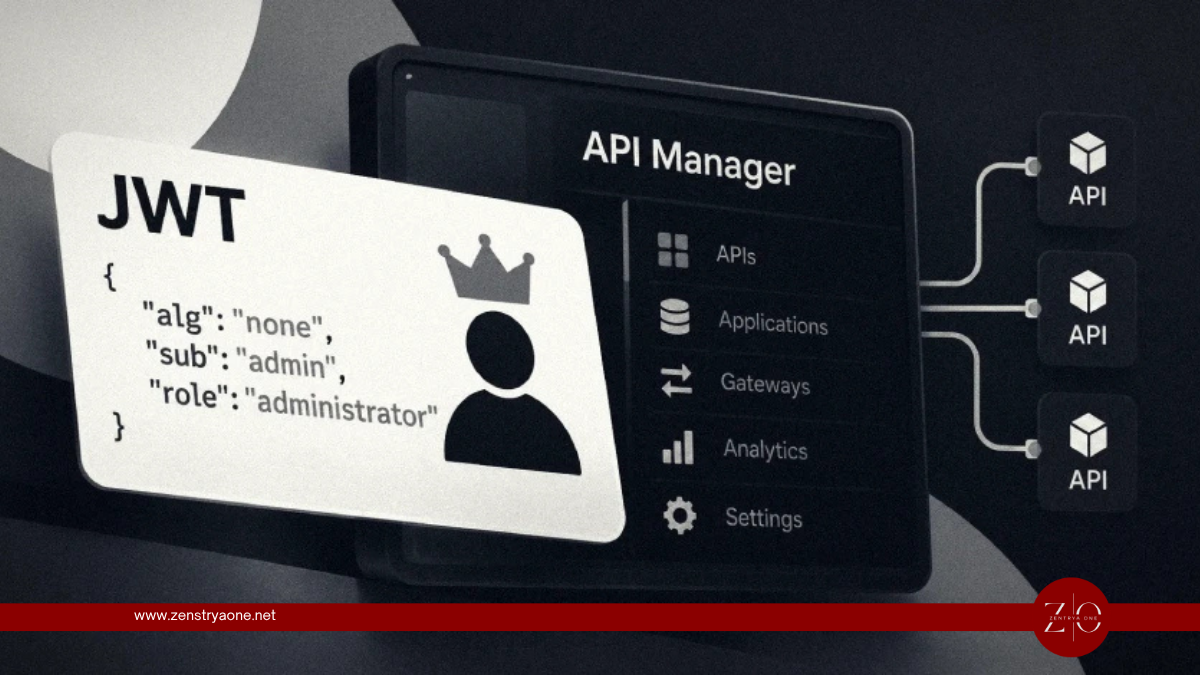
Hackers Exploit Critical WSO2 API Manager JWT Flaw Using Forged Admin Tokens
Security researchers have detected active exploitation attempts targeting a critical authentication-bypass vulnerability in WSO2 API Manager, with attackers sending forged JSON Web Tokens (JWTs) containing administrator privileges.